Arduino I2C Lcd display game
I would like to share a little game that I made.
Game is about a character that is trying not to smash into a any obstacles, which are approaching towards him.
Character position is toggled with button and when characted smashed the obsicle, gama is over and can be restarted with a press of a button.
To make the game less simple, it speed accelerates up to a certain speed.
Parts or tools you will need
Arduino Uno
Button
Lcd I2C display
Some male and female wires.
Libraries
You will only need one aditional library for controlling I2C display
Circuit diagram
Circuit is simple. You only needed to connect display and button to Arduino. One side of button is connect to pin 7 other side is connected to GND (I am using
| Lcd | Arduino Uno |
|---|---|
| GND | GND |
| Vcc | 5V |
| SDA | A4 |
| SCL | A5 |
Images
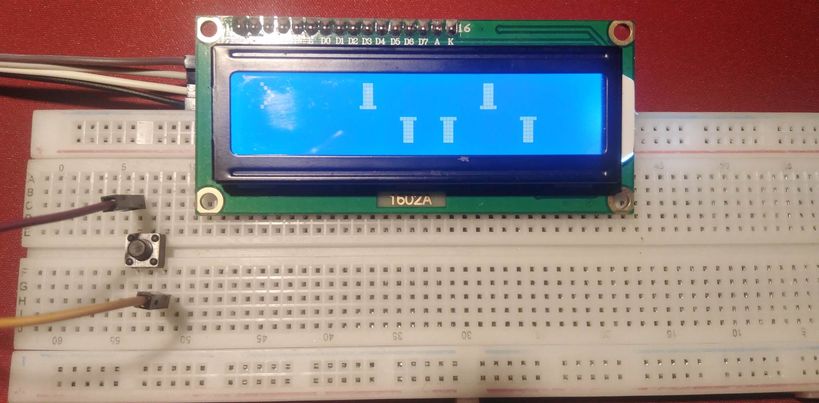
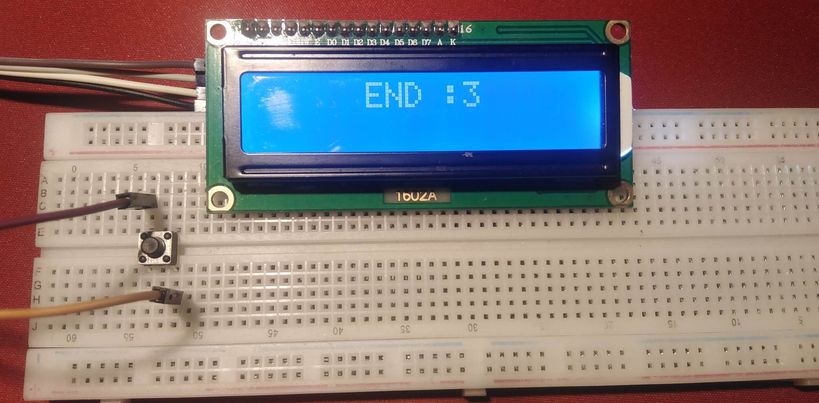
Code
Code explanation
Code is somehow messy and I would like to imporve it in future but it follows this flow:
Move character if button is pressed.
If some amount of time has pased it moves all blocks towards him and generate new block at the and.
It checks if character has smashed into a obstacle if yes the game ends.
Speeds up
There is a lot of things that you can change in code to make it more interesting for example if you want you can change a character symbol. For x it would be:
byte characterSymbol[8] = {
0b00000,
0b11011,
0b01110,
0b00100,
0b01110,
0b11011,
0b00000
};
Table of contents